Snoopy Avatar
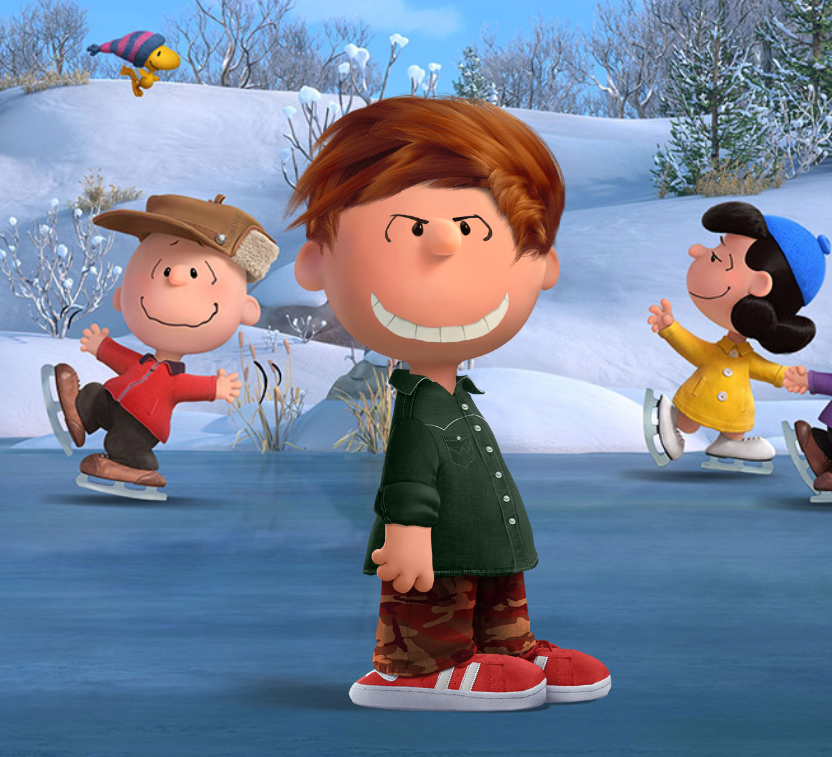
Create a Peanuts-style avatar with hairstyles, outfits, and emotions
This page gives your users a direct route into the official Snoopy Avatar experience. The game loads inline when the source allows embedding, and there is always a full-page fallback link so users still have a working way to play.
If the game area stays blank on a specific browser, use the direct official launch button below the frame.
Need the original full-page version instead of the inline embed?
The avatar interface is served from the original game source. The fallback button keeps the experience usable even when embedded loading is slower on mobile.
Why Snoopy Avatar Works Well For This Site
Unlike a broken slideshow or a fake play overlay, this page gives the user a real route into the game. They can start inside the page or jump to the original source immediately.
Hair & Style Choices
Users can experiment with different hairstyles and color combinations to create a more personal Peanuts-style identity.
Outfits & Colors
Clothing and color options make the avatar feel more distinct without adding complexity to the experience.
Expression & Mood
Emotions help users make the character playful, calm, cheerful, or closer to their own personality.
How To Use Snoopy Avatar
Open the avatar maker
Start with the inline game frame above. If your browser or device handles embeds poorly, use the official full-page button instead.
Pick a hairstyle and look
Try a few different combinations first. Users usually find a better result after testing more than one silhouette and color set.
Choose clothes and emotion
Match the expression to the outfit so the final avatar feels intentional instead of random.
Save and share
Once the character feels right, save the result from the game source and share the page link with friends.
Creative Tips
- Start with the hairstyle first. That usually defines the whole avatar faster than clothing choices do.
- Keep color combinations simple. Two strong tones often look cleaner than using every available option.
- Match the expression to the role: cheerful for a playful profile image, calm for a cleaner social avatar.
- Try making more than one version. Users often like a profile version and a more exaggerated fun version.
- Use the direct source button when testing on older phones or in-app browsers.
Frequently Asked Questions
Can I really play this one inside the page?
Yes. This page uses the live avatar source inside an iframe when the source permits embedding. The direct full-page button is there as a fallback.
What can I customize?
You can adjust hairstyle, outfit, colors, and emotional expression to build a Peanuts-style avatar with more personality.
Is Snoopy Avatar free?
Yes. Users can access the experience through a browser without paying or installing anything.
Does it work on mobile?
It generally does, but some mobile browsers are stricter with embeds. That is why the full-page backup link is shown prominently.
Why include a fallback button if the game is embedded?
Because usability matters more than appearance. The fallback keeps the page honest and playable when an embedded source loads slowly or is restricted.
Can I share my final avatar from here?
You can share this page directly, and the original game source handles the actual avatar creation workflow.
Want A Classic Handheld Challenge Too?
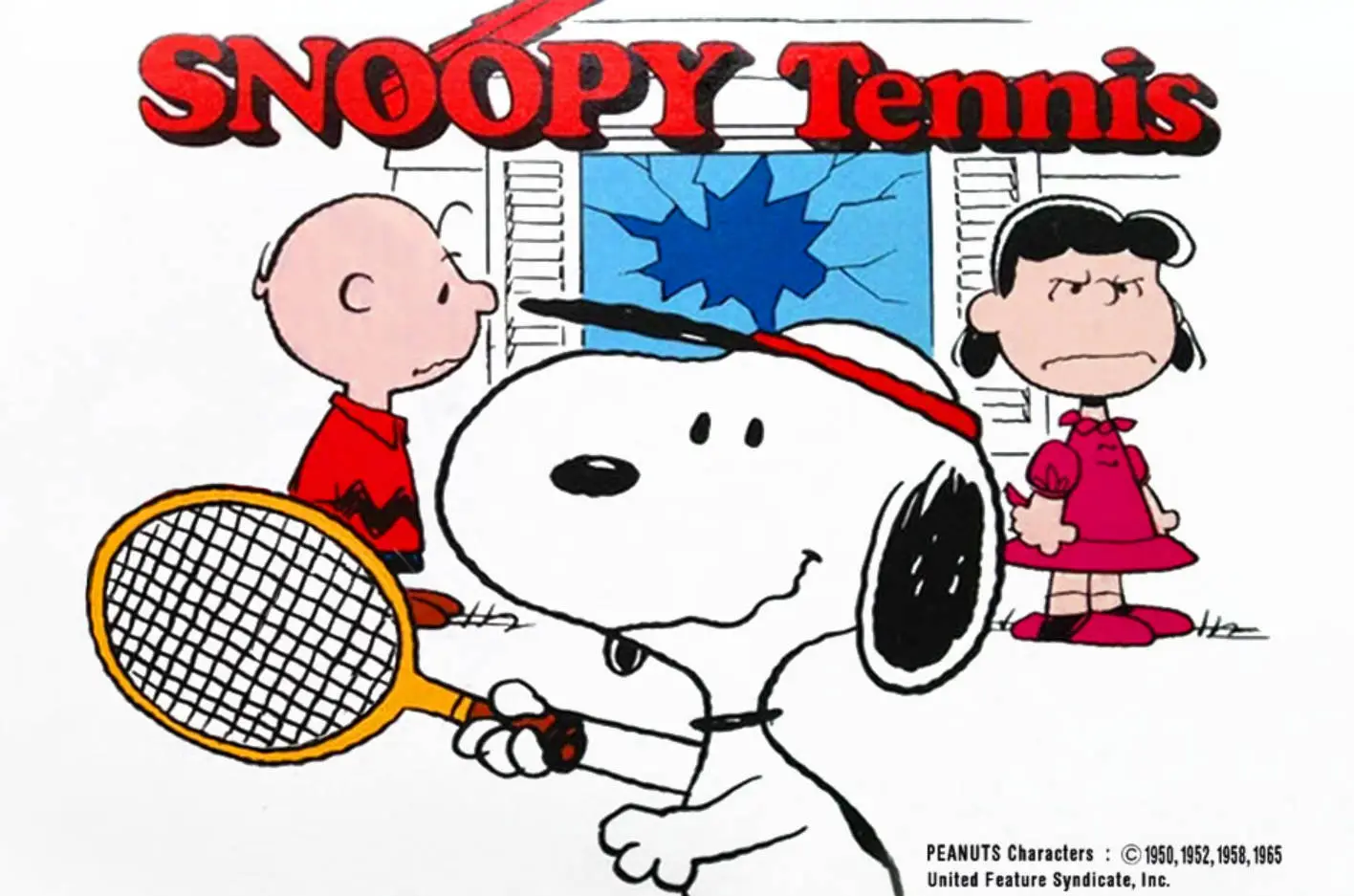
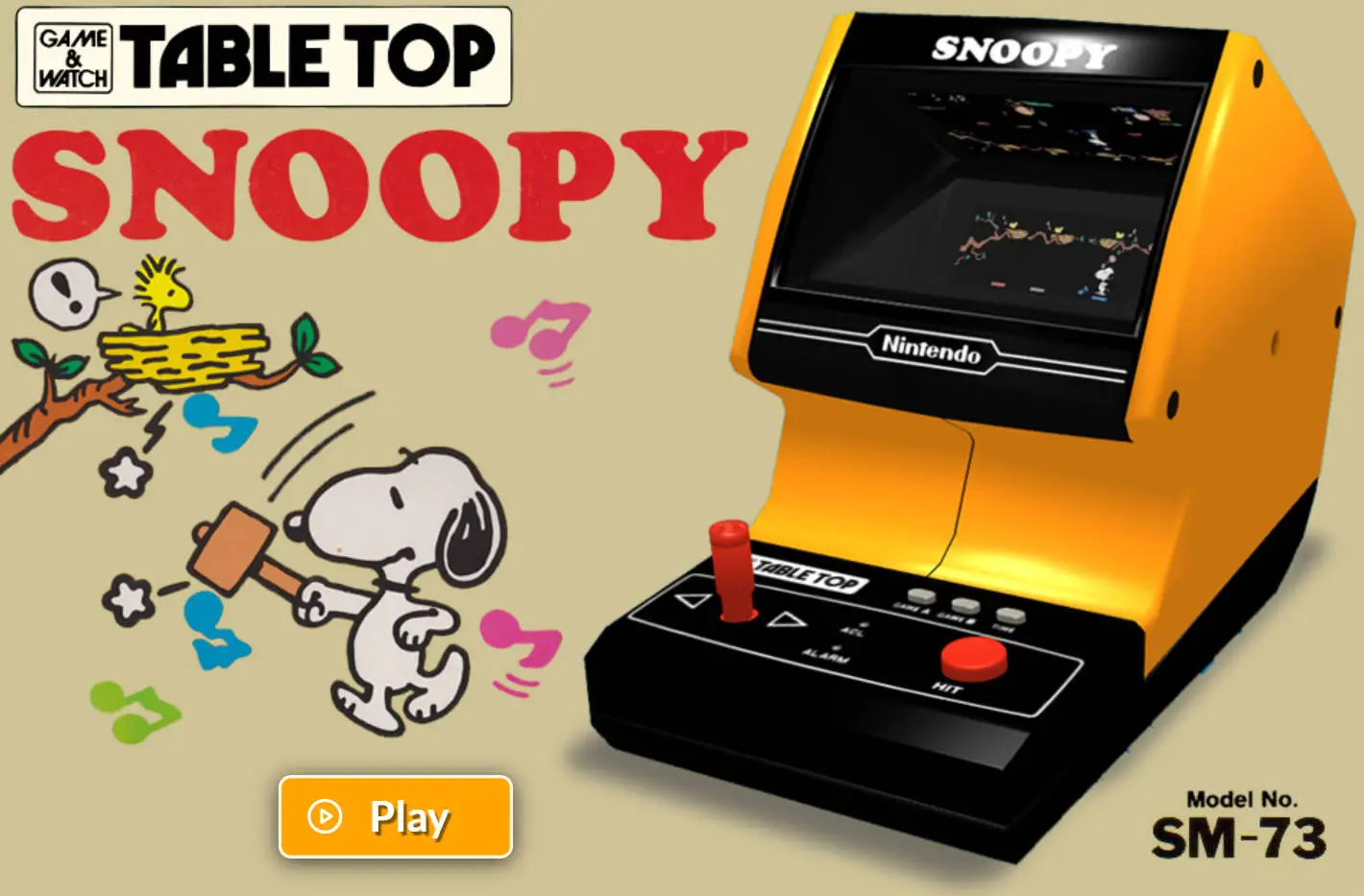
After creating your avatar, jump into the retro Snoopy game pages for tennis action or tabletop defense gameplay.
Open Snoopy Tennis